
The Honest Story
We Installed an AI Agent.
Here's What Actually Happened.
Not the demo. Not the YouTube tutorial. The real story — 4 OpenClaw installs, 10 Hermes iterations, a clean wipe, a multi-agent content pipeline, and the honest truth about what it's actually like to run an AI agent day to day.
Before Hermes — The OpenClaw Era
So it's early February, 2026. I've been hearing about AI agents for months. Everyone's talking. Nobody's doing. I decide to actually do.
I install OpenClaw. First agent. Fresh out of the box.
And it's... fine. The dashboard looks incredible. They call it Mission Control. You've got your agent status, your tool connections, your session logs — all in one place. It looks like the bridge of a starship.
Here's the problem. The agent dies. Every single time.
No persistent memory. No skills system. No multi-platform gateway. You'd have a great conversation, close the laptop, come back the next morning, and it's like hiring a new employee every single day and having to train them from scratch.
I went through four OpenClaw installs before I made the switch. Four. Each one a fresh hope, each one broken in a different way.
Then I found Hermes. And I struggled with it early on too. The memory work didn't start falling into place until agents 12 and 13. That's when I figured out the vault — /mnt/pc-vault/ — files on disk instead of a black-box database. Agent 14 was the clean install with zero baggage. Everything clicked.
Truth be told, you're talking to agent 15 right now — but I'm still on the 14th install. Things were going really well. Had a rough day — kinda like today — got frustrated and wiped all the memory and started over. But I'm a digital pack rat. I couldn't help myself. Eventually gave all the memories back.
The takeaway: A pretty dashboard means nothing if the agent can't remember what you told it five minutes ago. Looks aren't data. And memory isn't a feature — it's the whole game.
OpenClaw taught me something important, though. The concept works. An agent that can use tools, connect to services, and take actions on your behalf — that's real. The execution just wasn't there yet. Not for what I needed.
Pro tip of the day: If your agent can't persist memory across sessions, you don't have an agent. You have a very expensive chatbot.
The Decision to Wipe
Fourteen total iterations across two frameworks. I lost count of how many hours I burned.
Here's where I landed: the memory system was the root problem. Not the model. Not the tools. Memory. Every agent framework I'd tried treated memory like an afterthought — a little text file, a SQLite database, whatever. Nothing that actually worked like a human remembering things.
So I made a decision. I was going to abandon the built-in memory entirely.
Instead, I'd use Obsidian Sync Pro as the persistence backbone. My vault lives on my PC, mounted via SMB to my NAS at /mnt/pc-vault/. Every file, every note, every piece of knowledge the agent needs — it all lives there. In plain markdown. Human-readable. Backed up. Synced.
The agent doesn't "remember" things in some black-box database. It reads files. Just like you and I do.
Why Obsidian? Because if you can't debug your agent's memory with a text editor, you've already lost. Obsidian Sync Pro isn't cheap. But it's the difference between an agent that remembers and an agent that forgets.
This was the turning point. Not a new model. Not a new framework. A new approach to memory. Files on a disk. That's it. That's the whole insight.
Everything after this point works because of that decision.
Clean Install #14 — The One That Stuck
Fresh server. Zero baggage. I run the install script:
curl -fsSL https://raw.githubusercontent.com/NousResearch/hermes-agent/main/scripts/install.sh | bash Fourteenth time's the charm. Hermes Agent by Nous Research. Open source. Built for people who actually want to run agents, not just demo them.
First things first: connect it to Composio. That's the tool layer — 500+ apps, all accessible through the agent. Gmail, Slack, GitHub, Google Drive, Discord, Telegram. The whole kitchen sink.
Then I connect Telegram. That's my primary interface. I talk to the agent through Telegram, it talks back. Simple.
And then — about four hours in — I make my first stupid mistake.
I tell the agent to restart the gateway.
NEVER restart the gateway from inside the agent. It kills your own session. You're essentially pulling the plug on yourself. The agent doesn't know it's dying. It just... stops.
I'm sitting there staring at a dead terminal. No response. No error message. Just silence. Like I walked into the server room and flipped the breaker.
First lesson learned the hard way. There would be many more.
Learning the Hard Way
The first week with Hermes was a masterclass in things I didn't know I didn't know.
Problem #1: Gateway dies when you log out of SSH
You're working on the server. Gateway's running. You close your SSH session. Gateway dies. Every. Single. Time.
sudo loginctl enable-linger $USER That one command. That's all it takes. Took me two days to find it.
Problem #2: ollama vs ollama-cloud
They're not the same thing. The names are almost identical. The APIs are completely different. Mix them up and you get HTTP 404 errors that make no sense because the config looks right. It's not right. It's just close to right. And close counts in horseshoes, not API calls.
Problem #3: The memory system is 2,200 characters
That's it. That's the built-in memory. Less than a tweet. You could fit a decent grocery list in there, but you can't fit a project plan, a voice profile, or a set of instructions for how you want your agent to behave. This is why I went with the vault. /mnt/pc-vault/ became the agent's real memory. Files on disk. Organized in folders. The agent reads them when it needs them. No 2,200-character limit. No black box.
Problem #4: The agent committed suicide
I'm not being dramatic. Session compaction is a real thing. When the context window fills up, the system compresses the conversation history. And in that compression, the agent loses critical instructions. It forgets who it is. What it's supposed to do. Why it exists.
It's like someone hit the reset button on its personality.
Context loss is the silent killer. Your agent can be running perfectly and still be useless because it forgot the last three hours of conversation. Monitor your context window like you monitor your drone battery. When it's low, land.
Pro tip of the day: Write critical instructions to a file in the vault. Not in the chat. Files survive session compaction. Chat messages don't.
Voice & Discord — Talking to Your Agent
I set up voice. Local, free, no cloud dependency. faster-whisper for speech-to-text (I talk, it types). Edge TTS for text-to-speech (it talks back).
It works. But here's the thing — it's short-lived. The cloud-based voice options get really expensive, really fast. I use it for capturing ideas while driving. That's it. For day-to-day stuff, typing is cheaper and more reliable.
Then I migrated Discord from OpenClaw. All my channels, all my communities — the agent can now read and respond in Discord. Another platform. Another gateway into the same brain.
Here's the thing about the Hermes dashboard, though. The stock dashboard? It's a config browser. You can see your settings. You can tweak your YAML. It's useful, but it's not Mission Control.
I wanted Mission Control. I wanted to see everything at a glance. Found it: Hermes Workspace. Separate project. Real monitoring. Session status, tool calls, agent health. That's the dashboard I was looking for.
Pro tip of the day: Voice is great for capturing ideas on the go. But don't expect it to replace typing. The cloud costs add up fast, and the local options are still rough around the edges.
Satellite Deployment — Agents for Other People
This is where it went from "cool project" to "actual infrastructure."
My wife Effie needed her own agent. Not a shared instance. Not a different personality on my gateway. A completely separate, fully isolated agent with its own identity, its own memory, its own everything.
Enter: Zebulon Mucklewain.
Zebulon lives at ~/.hermes-effie/. Separate gateway port (8643). Separate config. Separate skills. Separate memory. Separate plugins. Separate sessions. The whole enchilada.
Zebulon is a 1930s Southern Preacher. Complete with a "Sermonette" — a morning broadcast that goes out to Effie every day. It's part weather, part encouragement, part gentle nagging about drinking more water. Delivered in a drawl that would make a Baptist minister proud.
The isolation protocol is critical. Here's what "fully isolated" actually means:
- Separate config directory (
~/.hermes-effie/not~/.hermes/) - Separate gateway port (8643, not the default)
- Separate skills folder (Zebulon's skills aren't my skills)
- Separate memory/vault (Zebulon doesn't read my files)
- Separate session history (no cross-contamination)
Critical Lesson #1: TELEGRAM_ALLOWED_USERS must be set. If it's not, the bot appears dead. No error message. No warning. Just silence. You'll spend an hour checking logs before you realize you forgot one line in the config.
Critical Lesson #2: Provider keys don't inherit. Whatever API keys you have in your main .env file? Zebulon doesn't get them automatically. You have to copy them to the satellite's .env. Miss this and the agent can't talk to any model.
Then there's Ava the Archiver. Separate OpenClaw instance. Different job entirely. Ava's job: take URLs and archive them into the Obsidian vault.
V1 was basic markdown. Title, URL, a summary. Functional but boring.
V2 added YAML frontmatter. Now every archived link has tags, categories, dates, and source metadata. Fully compatible with Obsidian Dataview, which means I can query my archive like a database. "Show me everything I saved about drone regulations in March." Boom. There it is.
Ava runs on cron jobs. Daily recall — what did we save today? Weekly digest — here's everything from the past week, organized by topic. Set it and forget it.
One agent per person. One agent per job. Don't try to make a Swiss Army knife. Make a toolkit.
Pro tip of the day: If you're running multiple agents, name them. Give them personalities. It's not just fun — it helps you mentally separate their roles.
The DMA Swarm — Putting It to Work
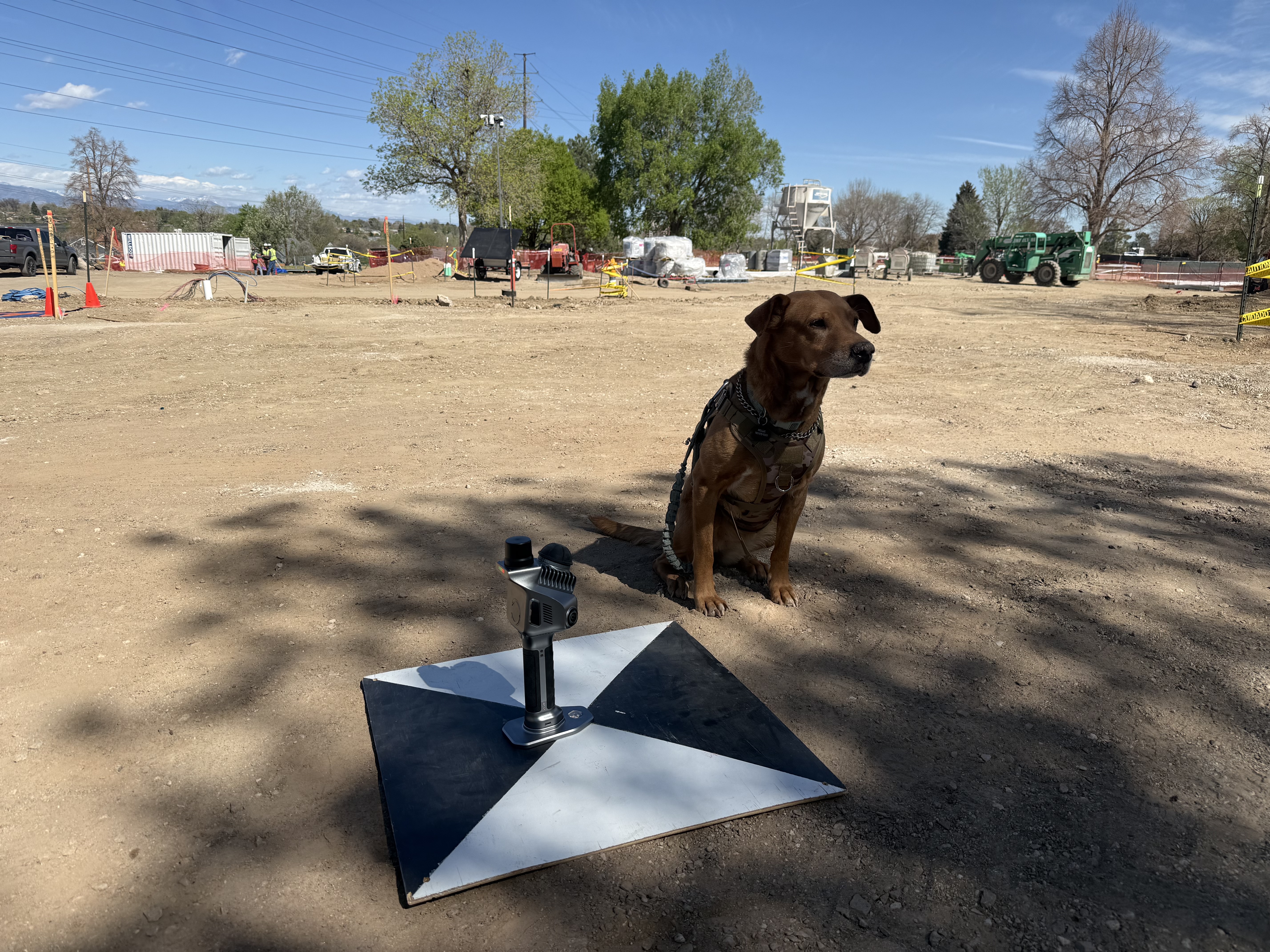
"Quiet contrast — serene yet industrial." — Molle with the technology, symbolizing the silent work of the multi-agent pipeline.
Alright. Enough setup. Time to actually use these things for something that makes money.
The mission: process 53 weekly call transcripts from Drone Mapping Answers (DMA). Every week, I do live calls with drone mapping professionals. Real questions, real problems, real answers. Sixteen thousand lines of my speech across those transcripts.
I built a multi-agent pipeline. Four agents, each with a specific job:
Reads the transcripts and builds a voice model. How does Michael talk? What phrases does he use? What's his rhythm, his humor, his pet peeves?
Extracts knowledge nuggets. Every tip, every warning, every "here's what I told him" moment. Categorized. Tagged. Filed.
Takes the voice model and the knowledge nuggets and writes blog posts. In my voice. Without me typing a word.
Takes the blog drafts and builds a content calendar. What gets published when. What topics connect. What's the narrative arc.
The numbers:
In two days. Work that would've taken me two weeks. Minimum.
Oh, and I swapped the model to qwen3-vl:235b-instruct mid-process. Better tool-calling. Fewer hallucinations. The agent actually does what you tell it instead of what it thinks you told it.
The swarm isn't about replacing me. It's about scaling me. I still make the decisions. I still approve the drafts. But the grunt work — the reading, the extracting, the formatting — that's the agents' job.
Pro tip of the day: Start with one agent doing one job. Get that working. Then add another. Then another. Don't try to build the whole swarm on day one.
The Blog Pipeline Goes Live
The drafts are written. The calendar is set. Now: publish.
Blog posts start going live on the Wet Dog Drones site. Each one in my voice. Each one reviewed by me before it goes out. But the heavy lifting — the research, the drafting, the formatting — that's the swarm.
I also built a personal landing page at /jystmik3. Digital business card. Links to everything. Clean, fast, no bloat.
Then the DMA Weekly Prep system went live. Cron job runs before every Thursday call. Pulls the latest questions from the community. Cross-references with the knowledge base. Produces a pre-meeting brief.
I show up to Thursday calls already prepared. Not winging it. Not "let me think about that." I've got notes. I've got answers. I've got context.
That's the difference between an agent that's a toy and an agent that's a tool.
The Honest Truth — What It's Actually Like
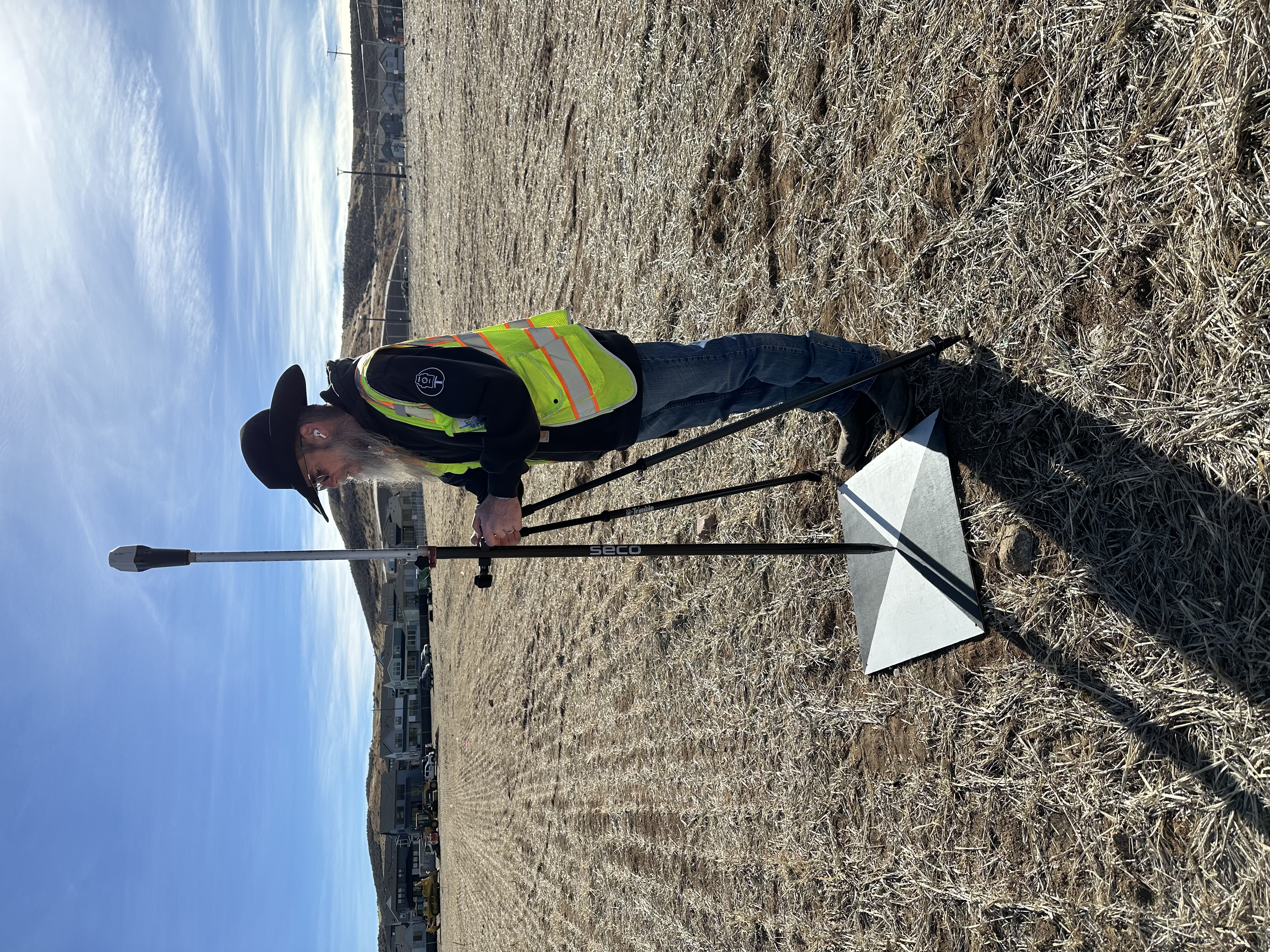
"Quiet professionalism and focused diligence." — Michael at work in the vacant field of the new ES50 school site.
Alright. You've read the success story. Here's the rest of it.
The good: Automation that actually works. Research in minutes that used to take hours. Content creation at scale. System monitoring that catches problems before they become outages. An agent that can read 16,000 lines of transcripts and tell you what matters.
The bad: Morning repair cycles. Every single morning, I check the gateway. Is it running? Did any agent crash overnight? Did the context window fill up and cause a suicide? Did a cron job fail silently?
Model hallucinations are real. The agent will confidently tell you something that's completely wrong. Not lying — it genuinely believes it. You have to fact-check everything. Always.
The ugly: Gateway crashes mid-conversation. You're in the middle of something important and the agent just... stops. No warning. No graceful degradation. Dead air.
Updates that break things. You pull the latest code and suddenly a tool doesn't work, a config format changed, or a dependency conflicts. It's not if, it's when.
The "death spiral" — when one thing breaks, it causes another thing to break, which causes a third thing to break, and by the time you've fixed everything, you've lost half a day.
It's the most powerful tool I've used since learning to code. It's also the most frustrating. Both things are true. If you can't handle both, don't start.
There's a maintenance tax. Weekly updates. Merge conflicts. Config drift. Skills that need updating. Models that get deprecated. It's not "set it and forget it." It's "set it and maintain it forever."
The community helps. r/hermesagent and r/AI_Agents are full of people dealing with the same problems. You're not alone. But you are responsible. Nobody's coming to fix your agent for you.
Pro tip of the day: Budget two hours a week for maintenance. Gateway updates, config reviews, log checks, backup verification. If you're not maintaining, you're decaying. Simple as that.
Your Turn.
You've read the whole story. The failures, the fixes, the swarm, the blog pipeline, the honest truth. Now it's your turn.
Read the Install GuideFair warning: you will break things. That's part of the process. I broke fourteen installs before I got one that worked. You'll probably break a few yourself.
Pro tip of the day: Start today. Not tomorrow. Not next week. Today. Install the agent. Break something. Fix it. Break it again. That's how you learn. Bottom line money — the only way to understand an agent is to run one.
This page is part of the Wet Dog Drones site.
IYKYK, weopenatsix.com.
Questions? Find me in Drone Mapping Answers.